 Nightwater Guide
Running Nightwater on Linux via Proton
Nightwater targets Windows, but Linux users can run the game through Proton Experimental to resolve boot failures reported on distributions like Fedora.
Platform Support and Linux Compatibility
Studio Ashty developed Nightwater for Windows 10 and Windows 11 64-bit operating systems, listing 10 GB of storage space on the official Steam specifications. Publisher Irox Games has not announced a native Linux build for the September 18, 2026 launch. Linux users must use Valve's compatibility tools to translate Windows system calls.
Players attempting to run the game natively on Linux distributions have reported being unable to start the application.
Resolving Launch Failures on Fedora
On the Steam community forums, players on Fedora reported being unable to start the demo. In response, a community member confirmed that switching from native execution to Proton Experimental enabled the demo to run without issue.
The player noted that other versions of Proton would likely work as well, as Proton Experimental was simply the first configuration tested.
Adjusting Steam Play Properties
To set the compatibility tool, open Nightwater's Properties window from the Steam library and go to the Compatibility tab.
Check the box labeled "Force the use of a specific Steam Play compatibility tool" and select Proton Experimental from the dropdown menu. Close the settings window so Steam can download required runtime files.
Hardware Requirements and Translation Overhead
Compatibility layers add processing overhead on Linux. Hardware capacity determines frame stability. Nightwater lists a minimum processor baseline of an i5-3570 at 3.4 GHz with 8 GB of RAM. The minimum GPU requirement is an Nvidia GTX 1650, a GTX 1050-ti, or an AMD RX 470.
For factory scaling across the island, Studio Ashty recommends a Ryzen 5 5600X or an i5-12400, 12 GB of RAM, and an Nvidia RTX 2070. Higher-end hardware absorbs translation penalties when players build extensive networks of assemblers, farmers, and pipes.
Save File Compatibility and 1.0 Release
Demo save files will not work in the full release on September 18, 2026. Studio Ashty stated in community discussions that early game progression sections were rebuilt, so older files cause progression blockers or save corruption.
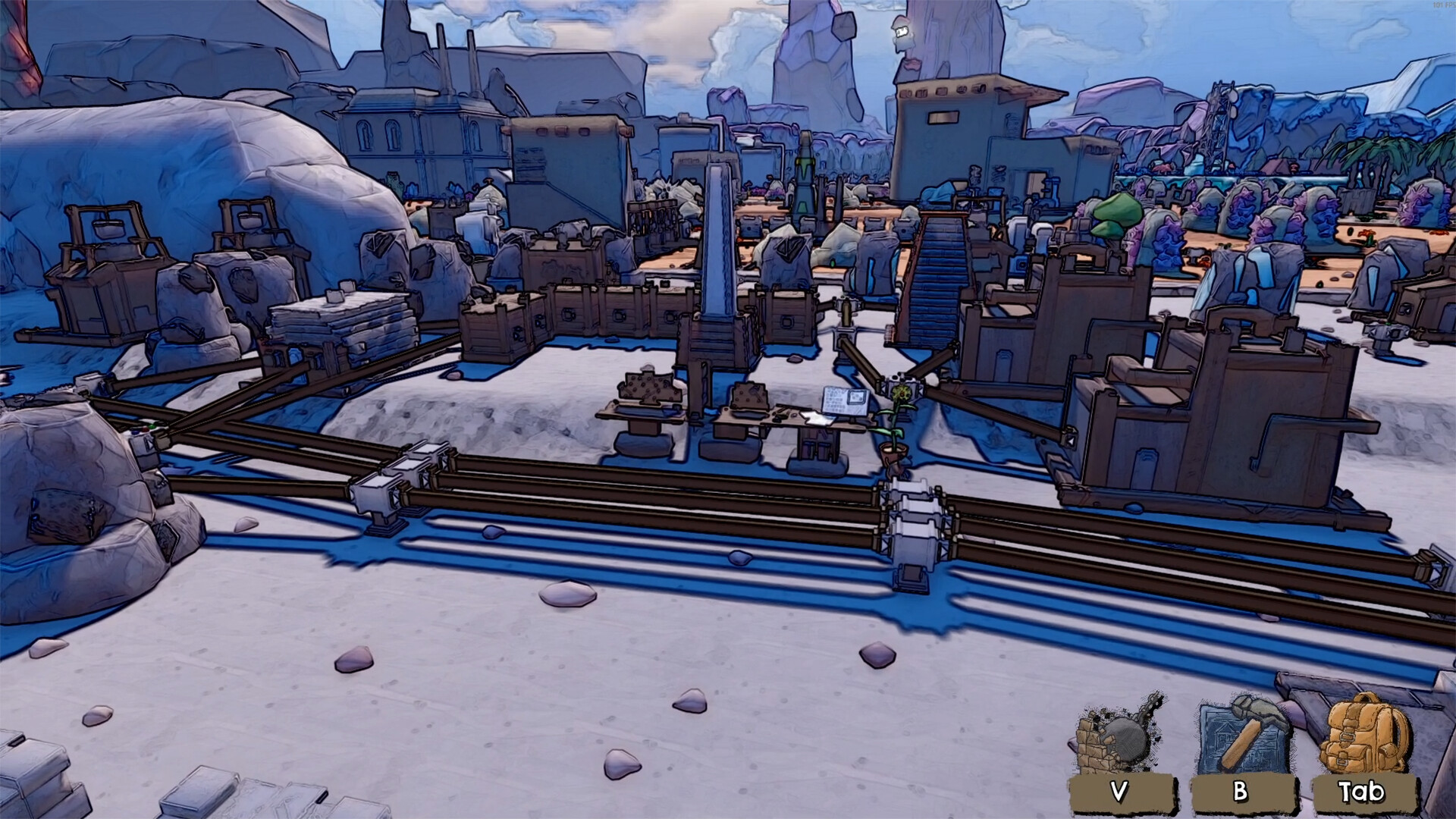
Players can use the demo to test performance in the Woods biome and the Dark Thicket minigame.
Last updated: 2026-09-16. Game builds change; cross-check details with your installed version.